West Virginia Living Will
Effortlessly complete your West Virginia Living Will Form with our trusted online notarization service. Our platform ensures a secure, convenient, and efficient notarization process.

Notarize is trusted by 7000+
businesses, including...


Frequently Asked Questions
Can the West Virginia Living Will be notarized online?
What are the requirements for the West Virginia Living Will?
What else do I need to know about the West Virginia Living Will?

How It Works
Getting a document notarized is easy. Simply upload your docs, verify your identity and you will be connected to a notary via an online meeting. Notaries on the Notarize Network are always online and available 24/7.
-
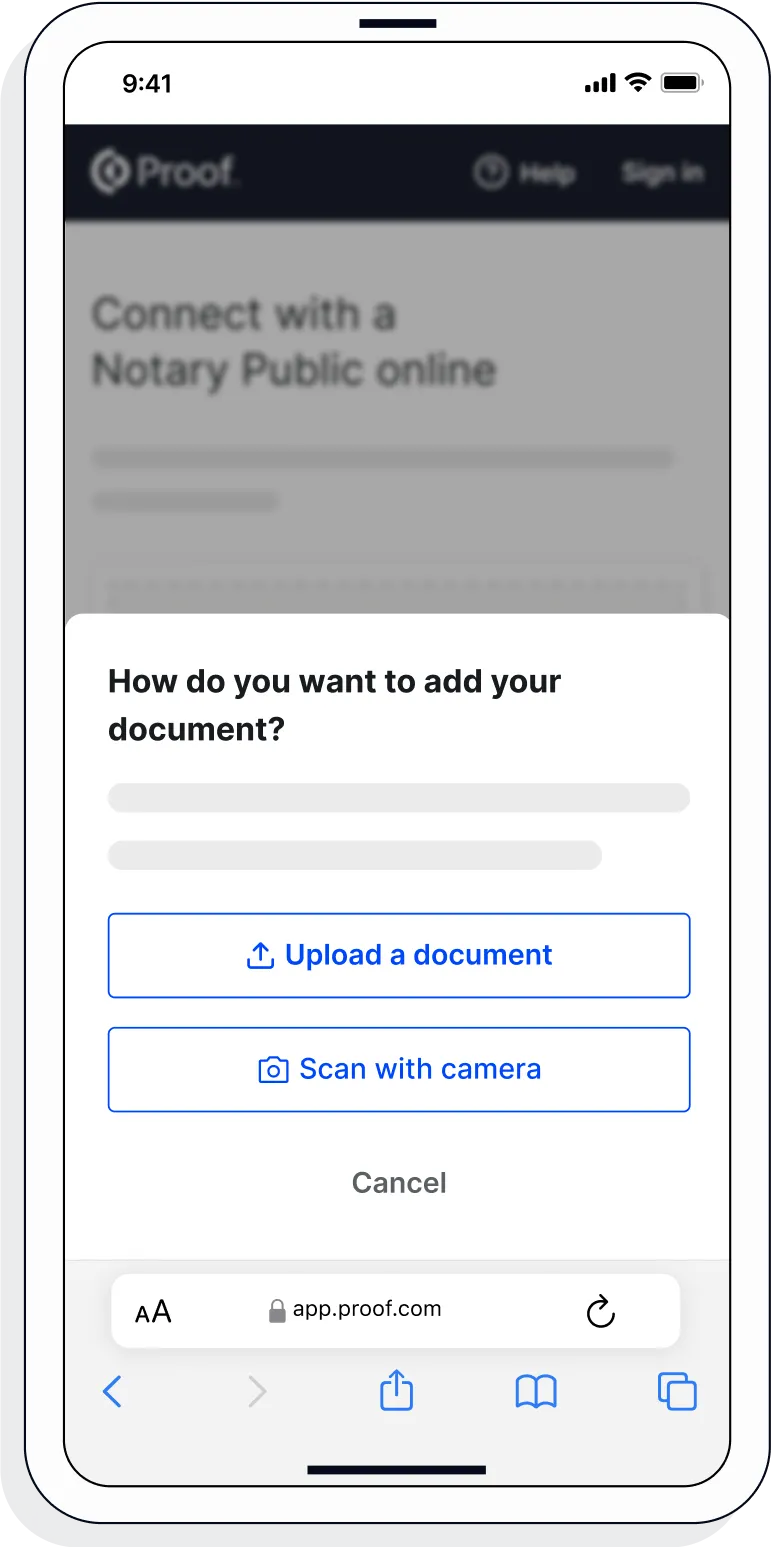
1. Upload or scan your document
Upload the full document (not just the signature page) as a .pdf or .docx file. Don't have the file saved? Use your mobile phone to scan and upload the document.
-
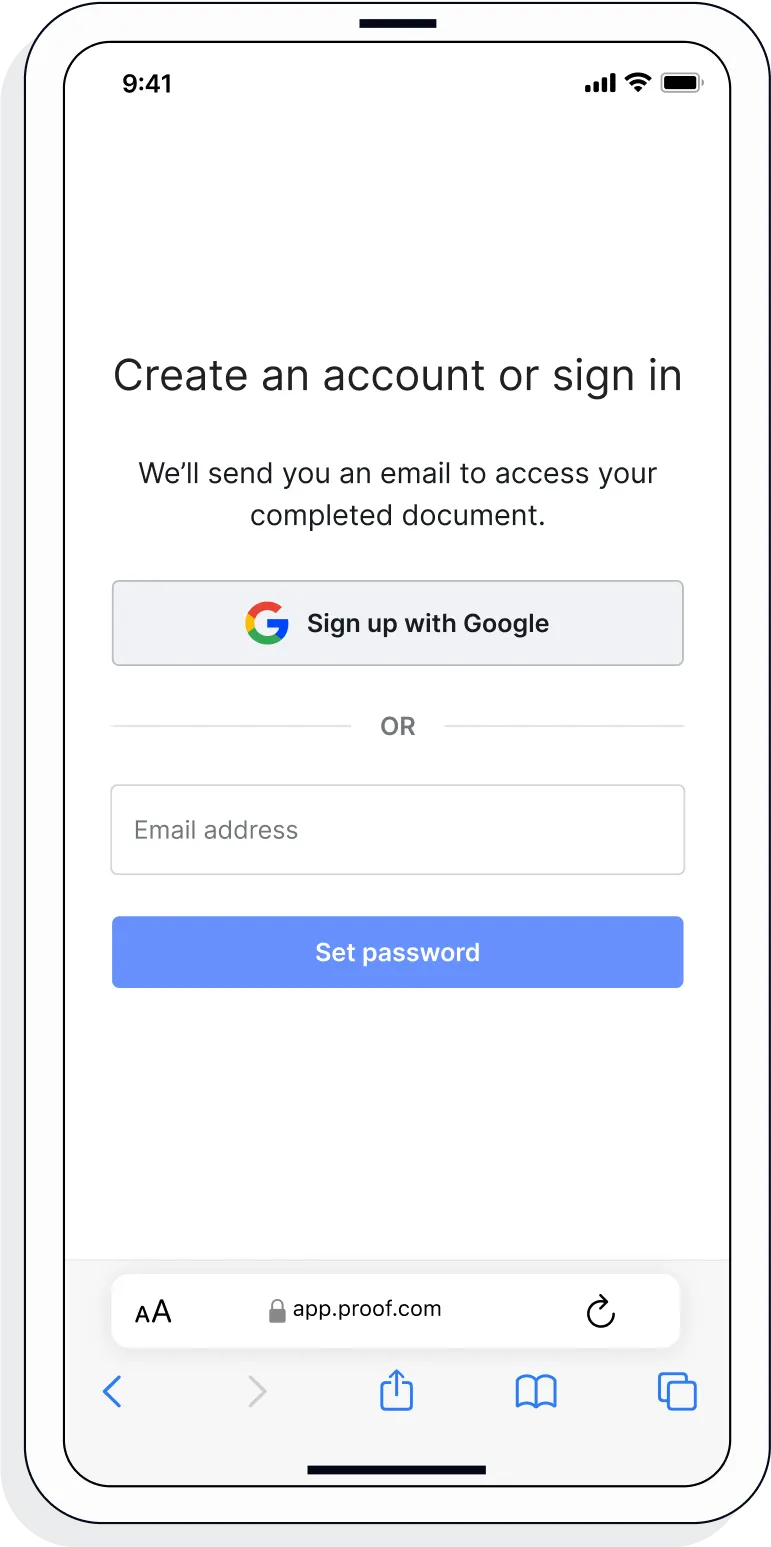
2. Create a Proof account
Your documents and transaction details will be securely stored in your account where you’ll also be able to initiate future notarizations and eSigns.
-
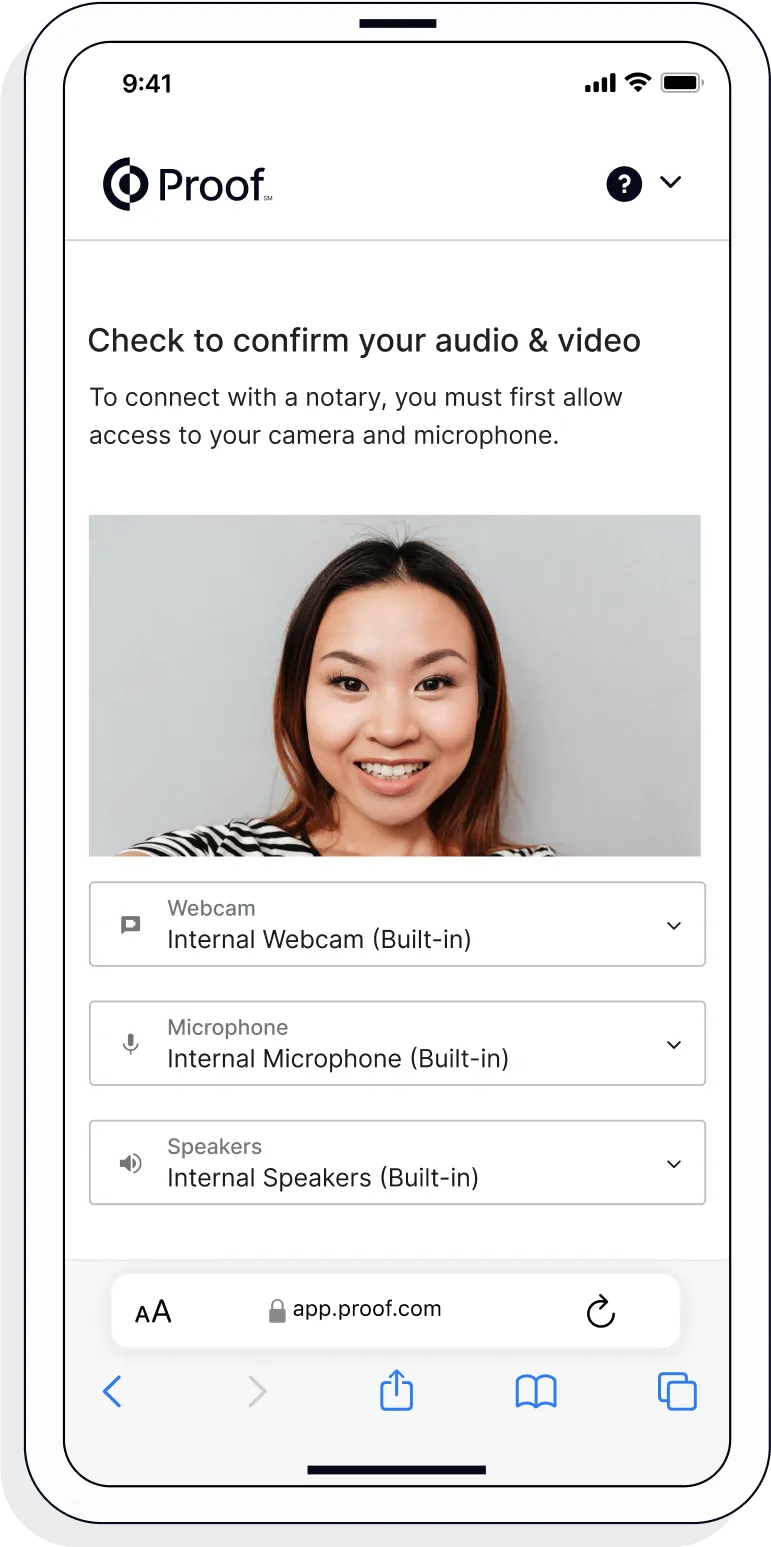
3. Verify your connection
A Wi-Fi enabled device with a camera is required for all notary meetings. Having a strong setup will ensure you’re set up for success.
-
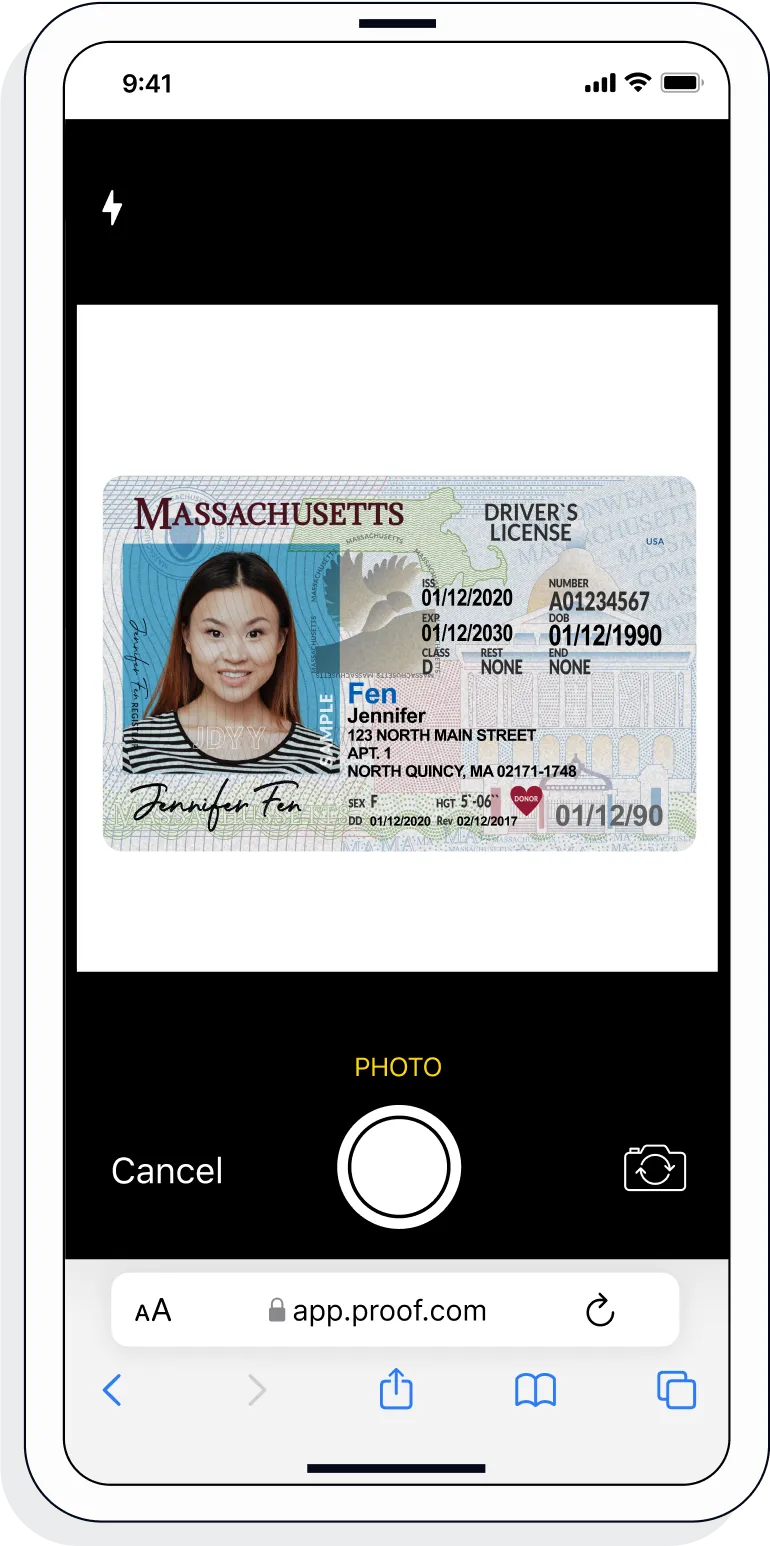
4. Verify your identity
Proof uses identification verification technology to ensure a secure transaction. Answer a few questions about your past, take a photo of your ID, and we’ll confirm your identity in seconds.
-
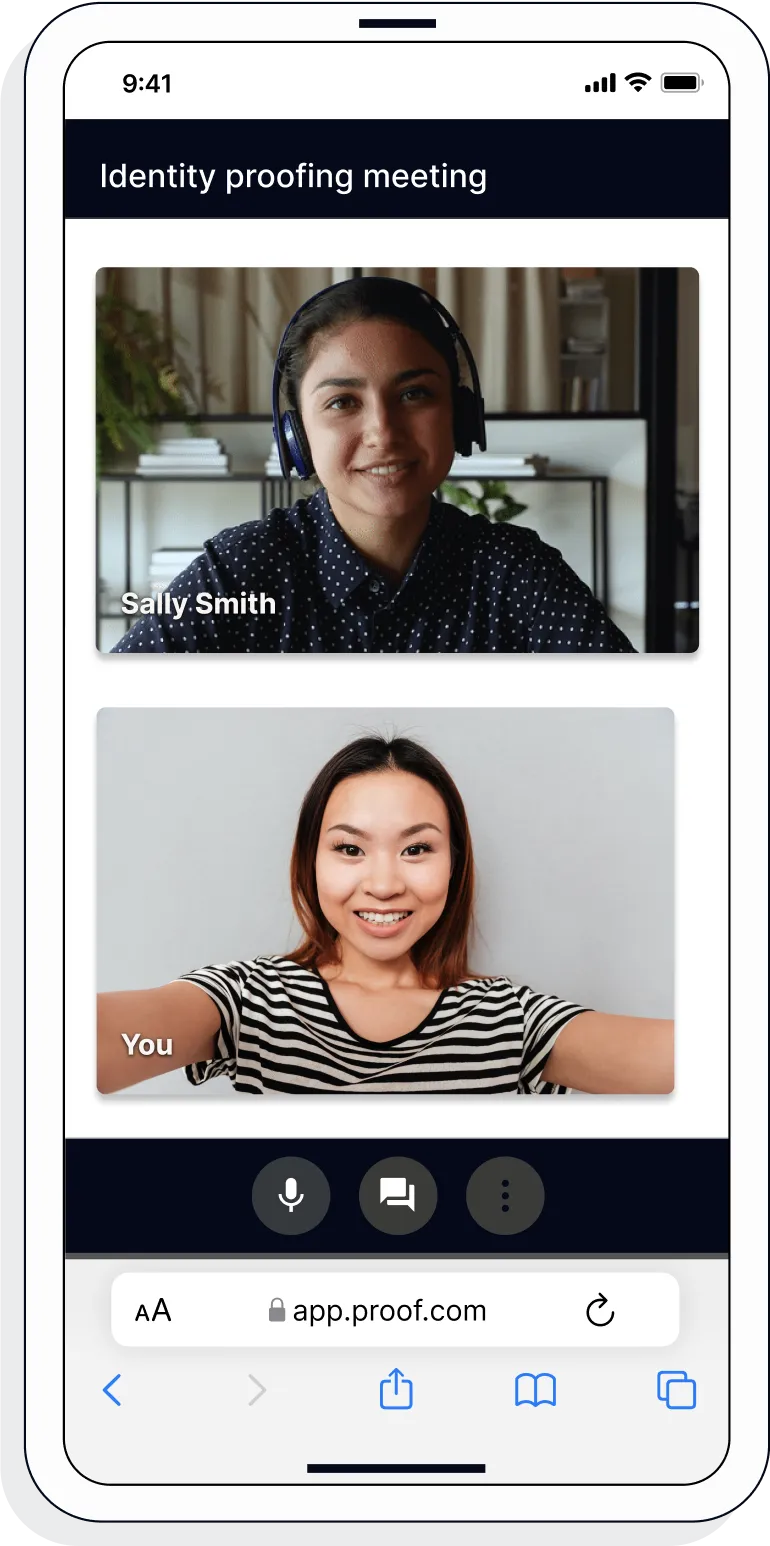
5. Connect with a notary on a video call
Notaries typically get connected with signers in as little as 2 seconds and are available 24/7.
-
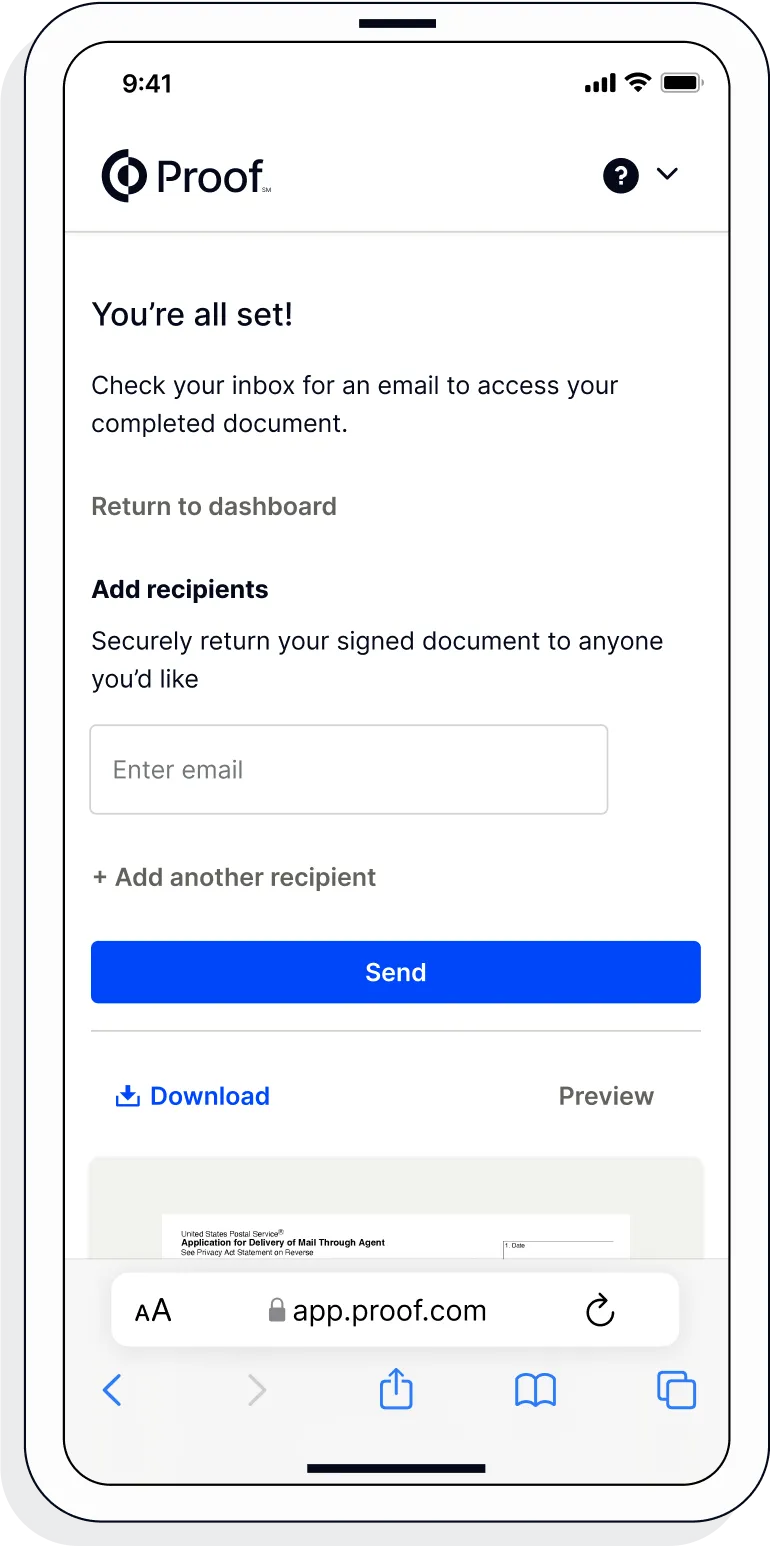
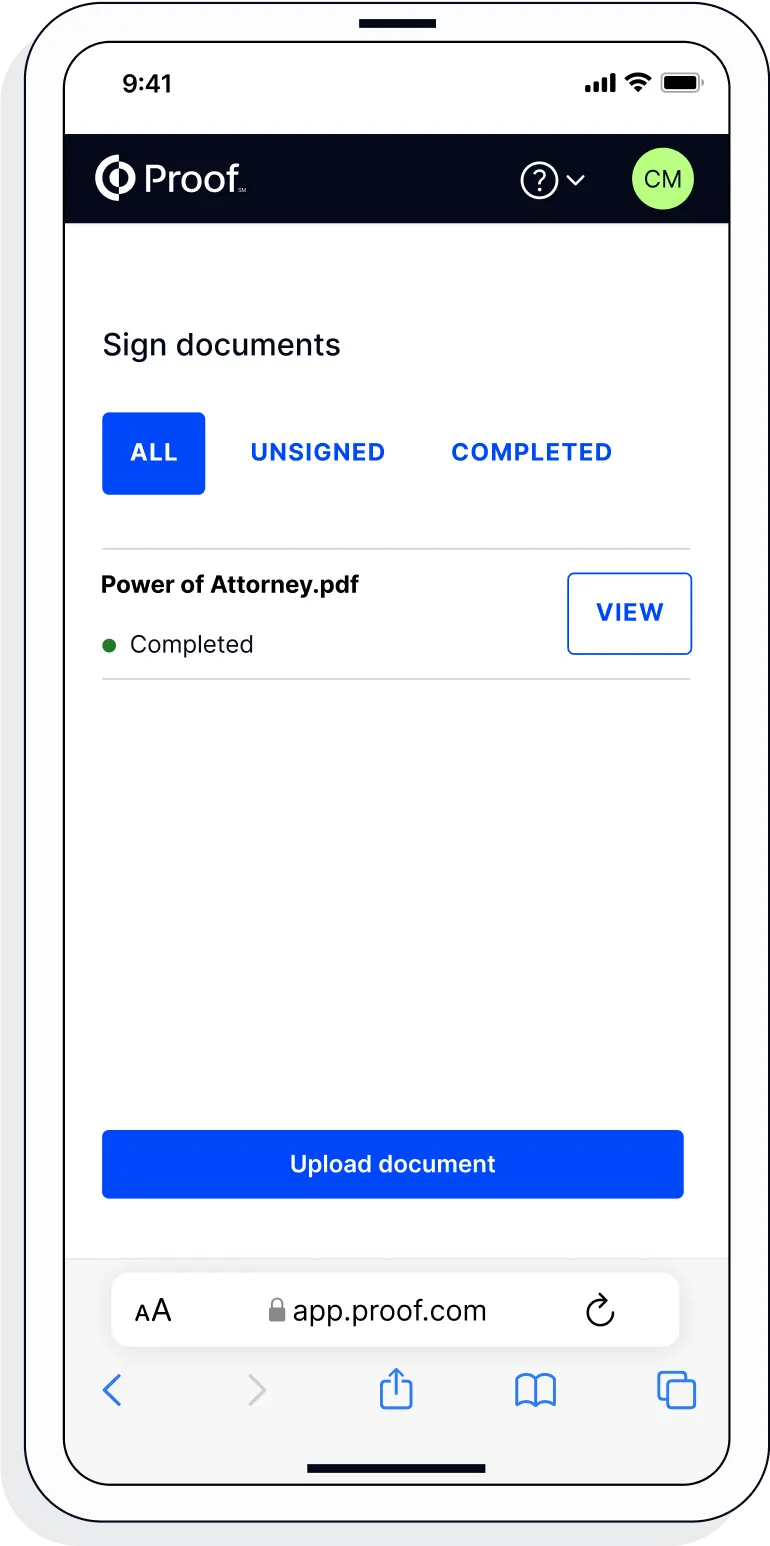
6. Access your completed document
View and share your signed documents anytime directly from within the Proof platform.
-
7. Download or send document to another person
Share your documents within seconds.